






 My SBC
 Quicklinks
 Employment
 Search
My SBC
Quicklinks
Employment
Search
Search
My SBC
Quicklinks
Employment
Search
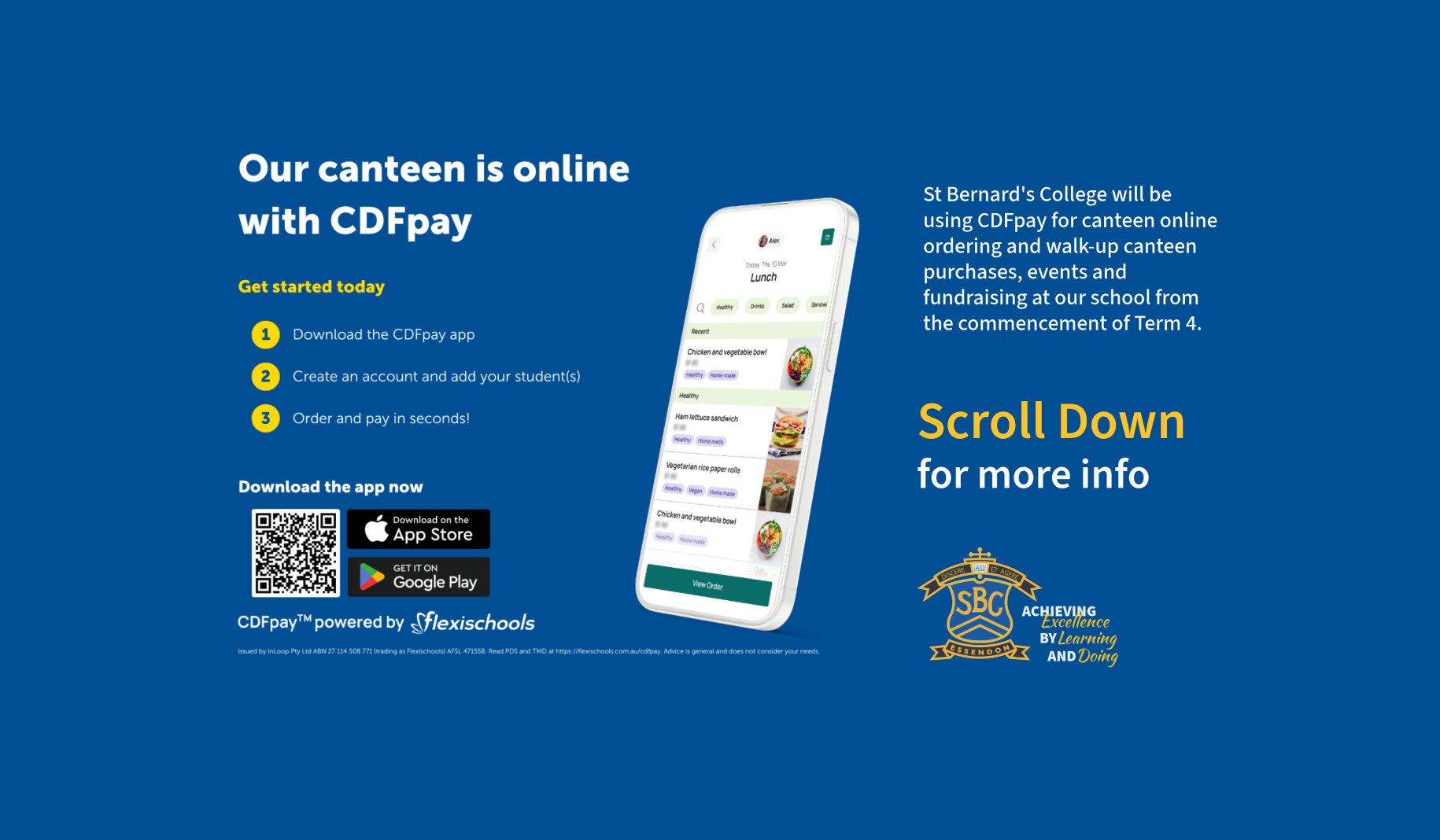
Introducing CDFpay for simple, convenient online ordering
St Bernard’s College will be using CDFpay for online canteen ordering, walk-up canteen purchases, events, and fundraising at our school from the commencement of Term 4 (Monday, 5 October 2026). Use of credit cards is still an option.
How to register for a CDFpay account
After you have registered and entered your child’s details, you can:
Add your child’s student card number to enable over-the-counter purchases.
Top up your parent wallet (optional, you can also pay per order) and set daily spend limits for your child. (To avoid card surcharges, top up $50 or more using a debit card or bank transfer any value.)
Order and pay in seconds!
Have questions? Visit the CDFpay powered by Flexischools Help & Support page for detailed FAQs or chat to the Flexischools Digital Assistant. If you cannot find what you are looking for, please complete the online Contact Form and Flexischools will get back to you directly.
You may also visit the Canteen page on mySBC for additional information and to contact our IT team.
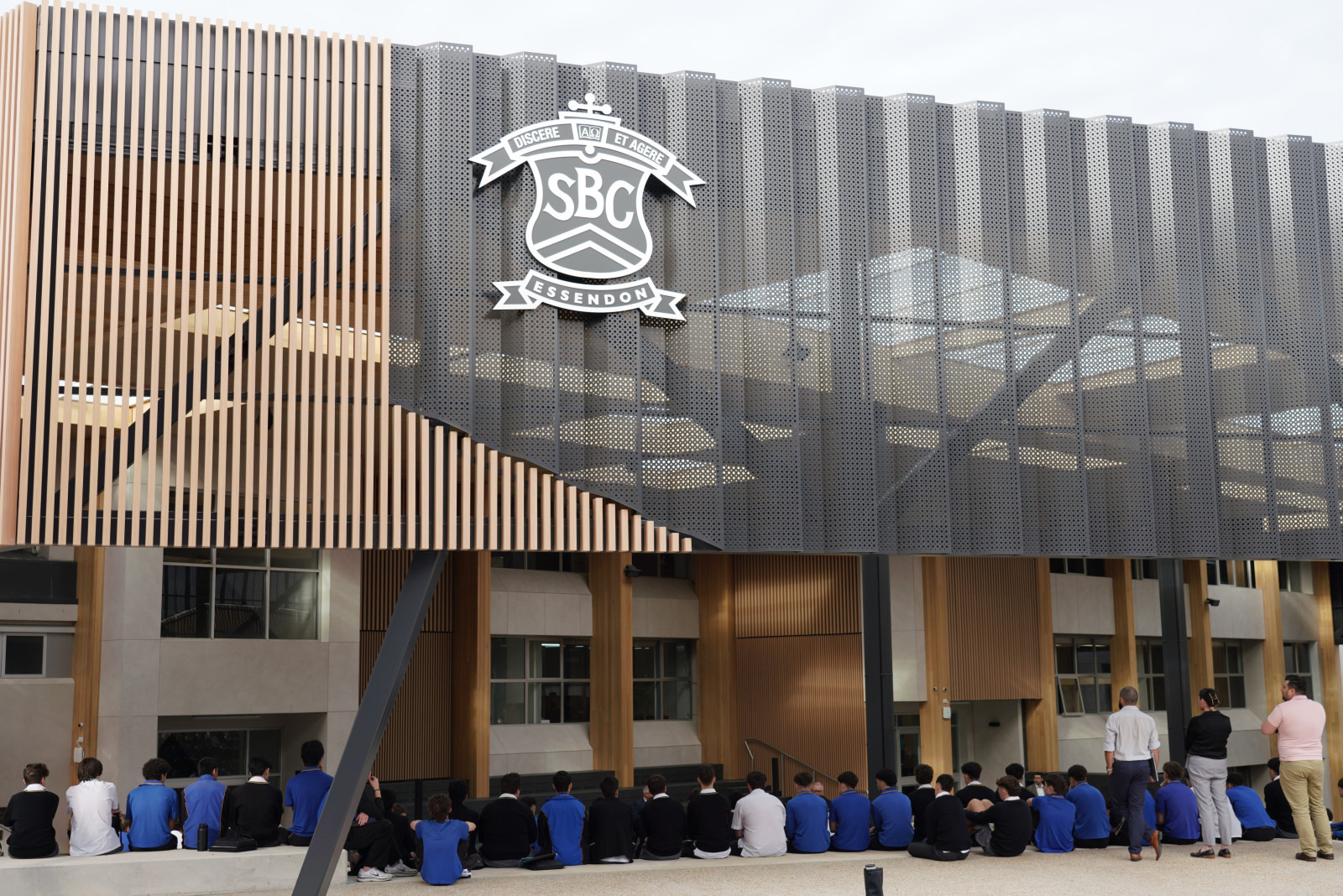
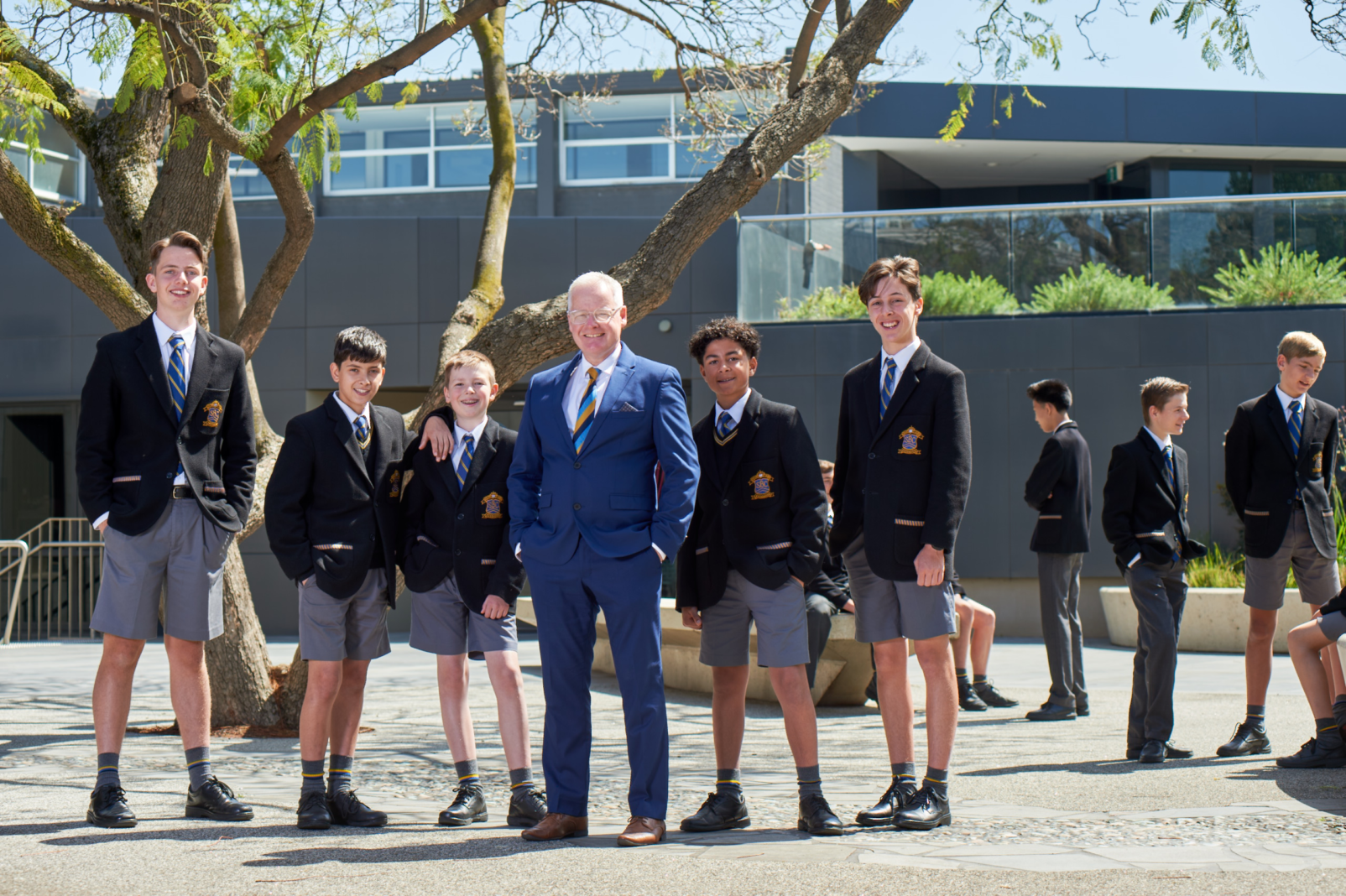
College Principal Dr Michael Davies shares the latest St Bernard's news from our brand-new Quays facilities.
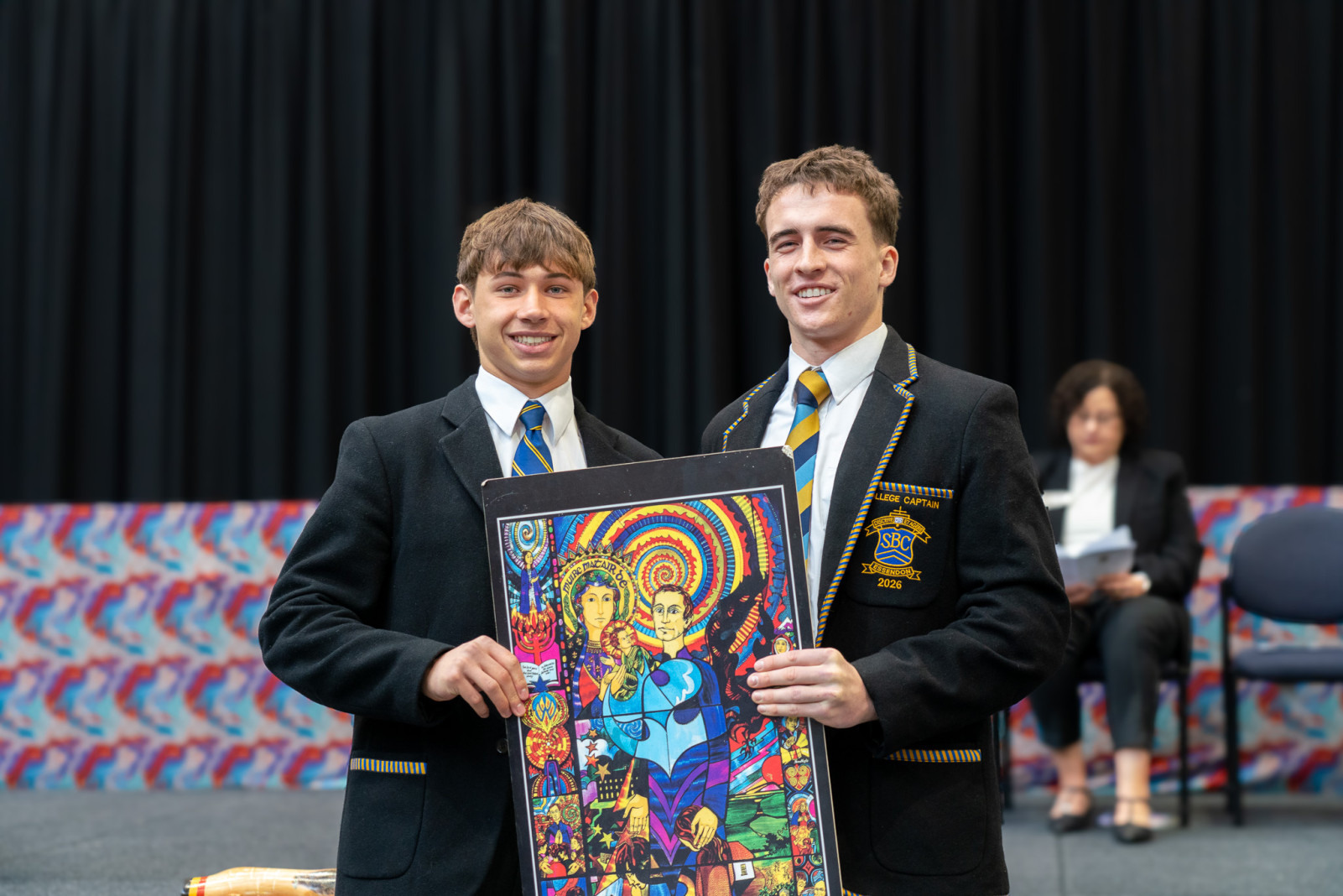
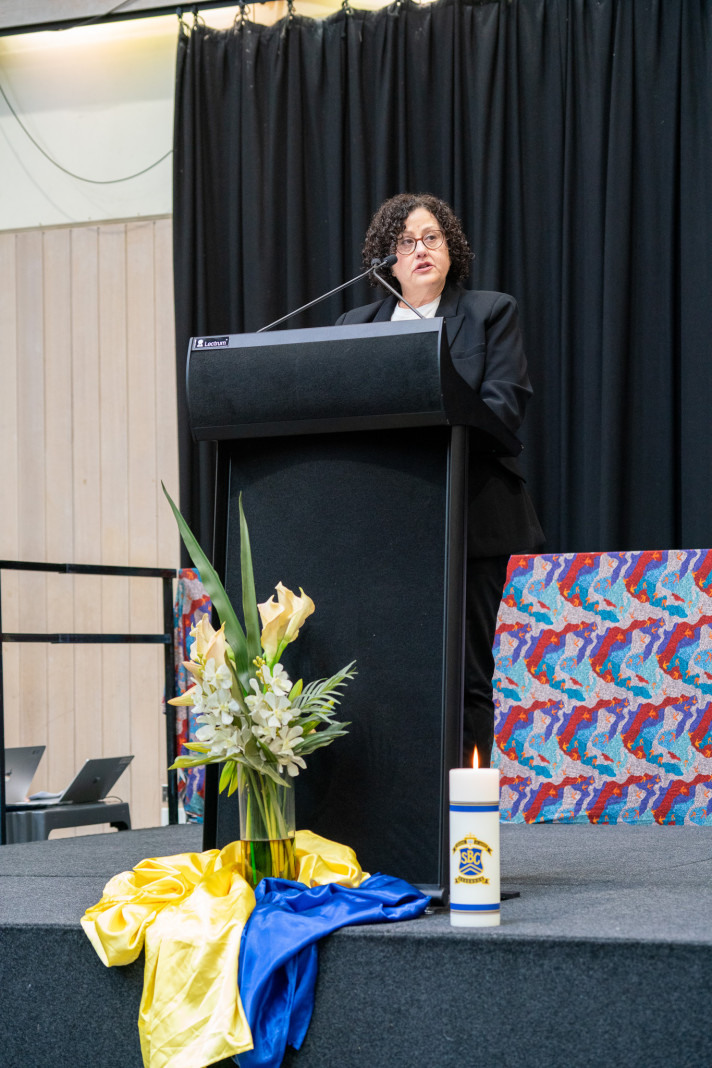
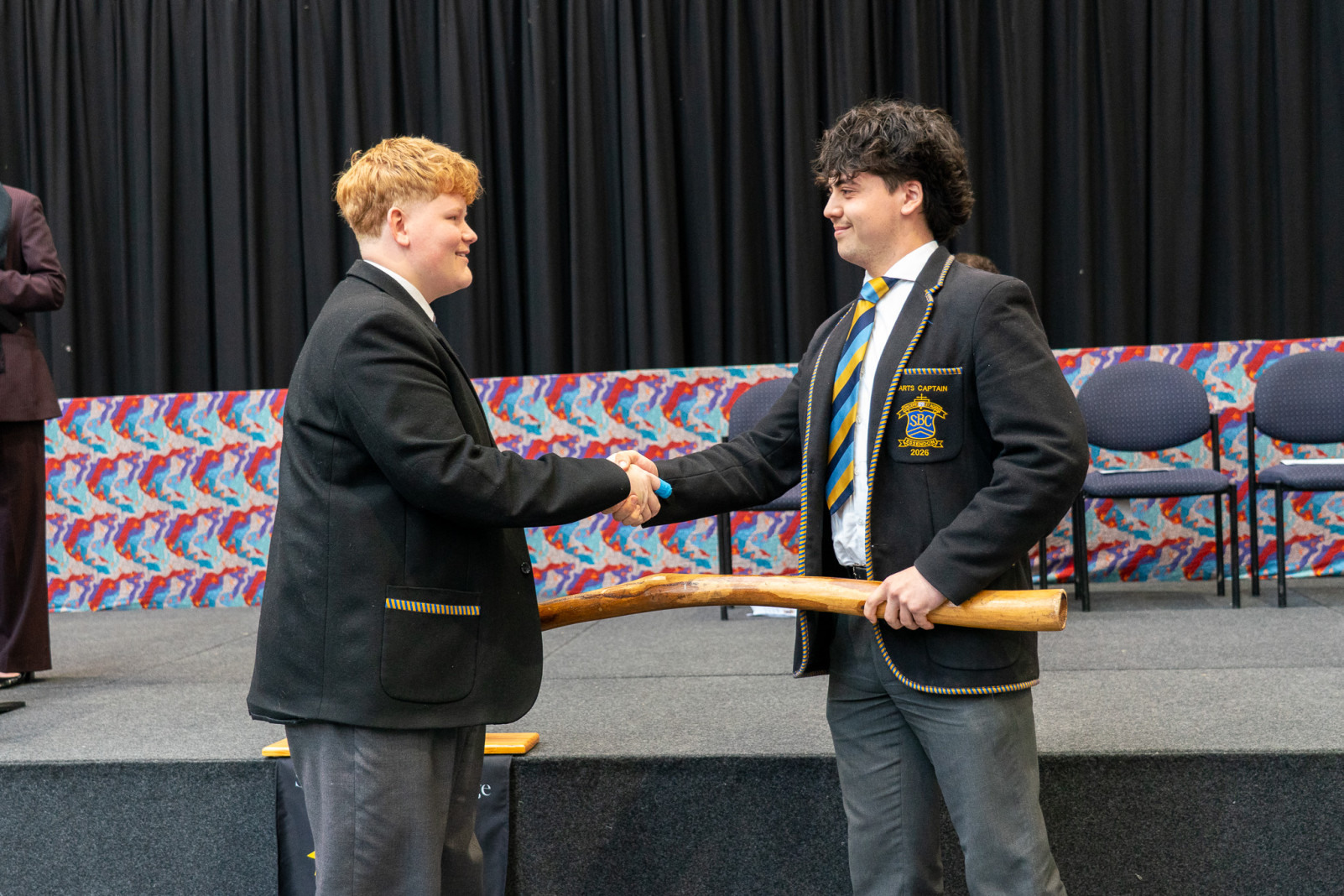
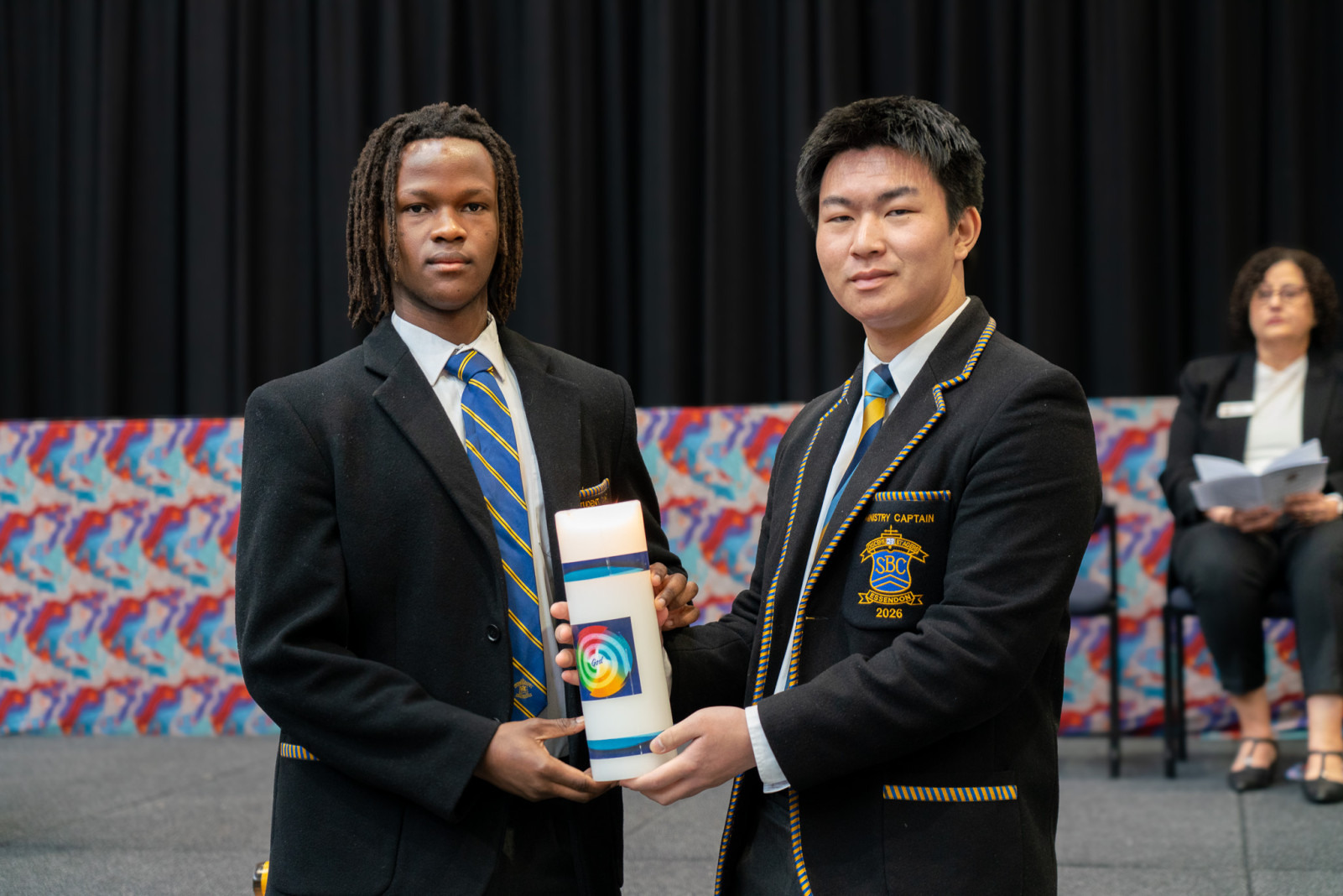
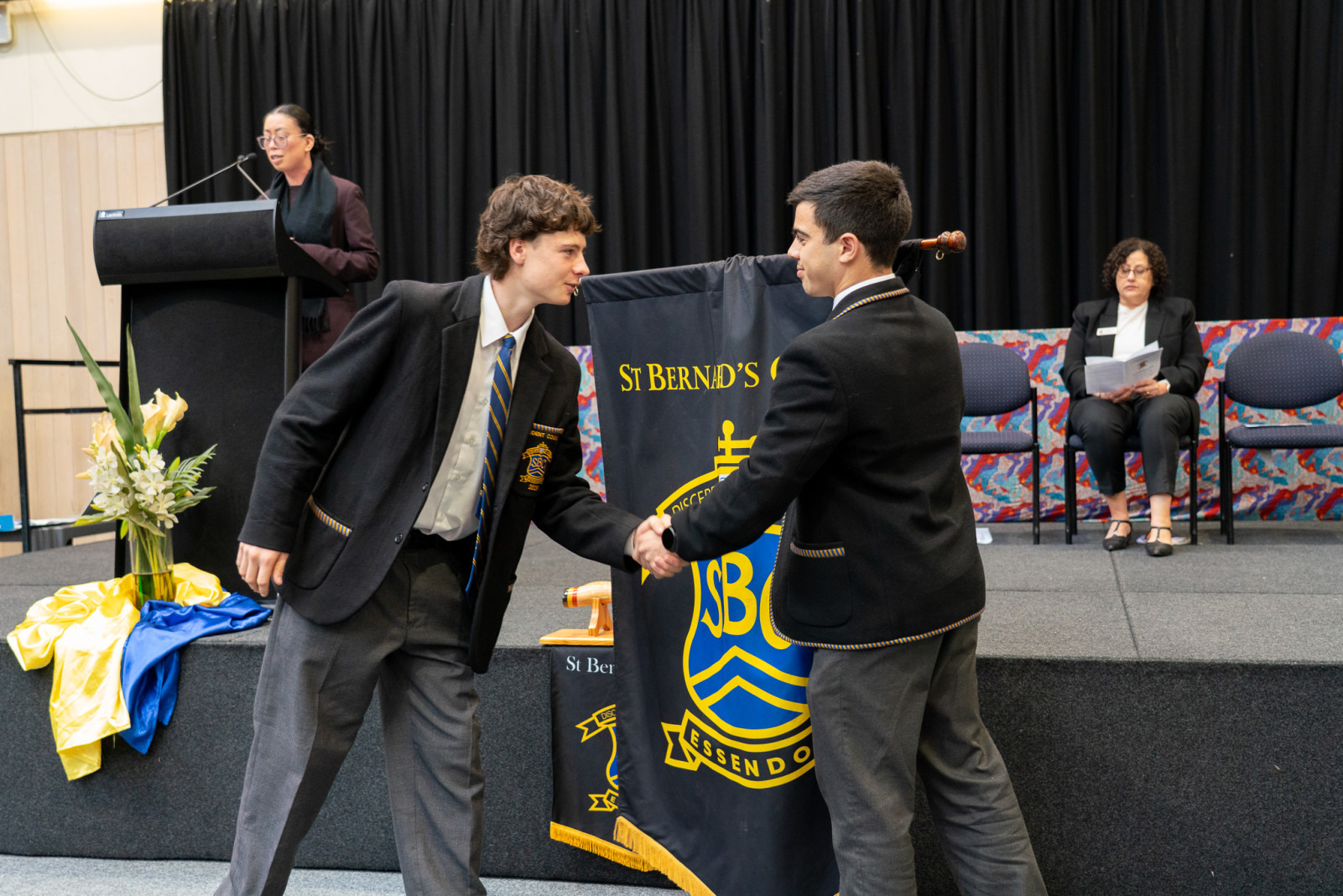
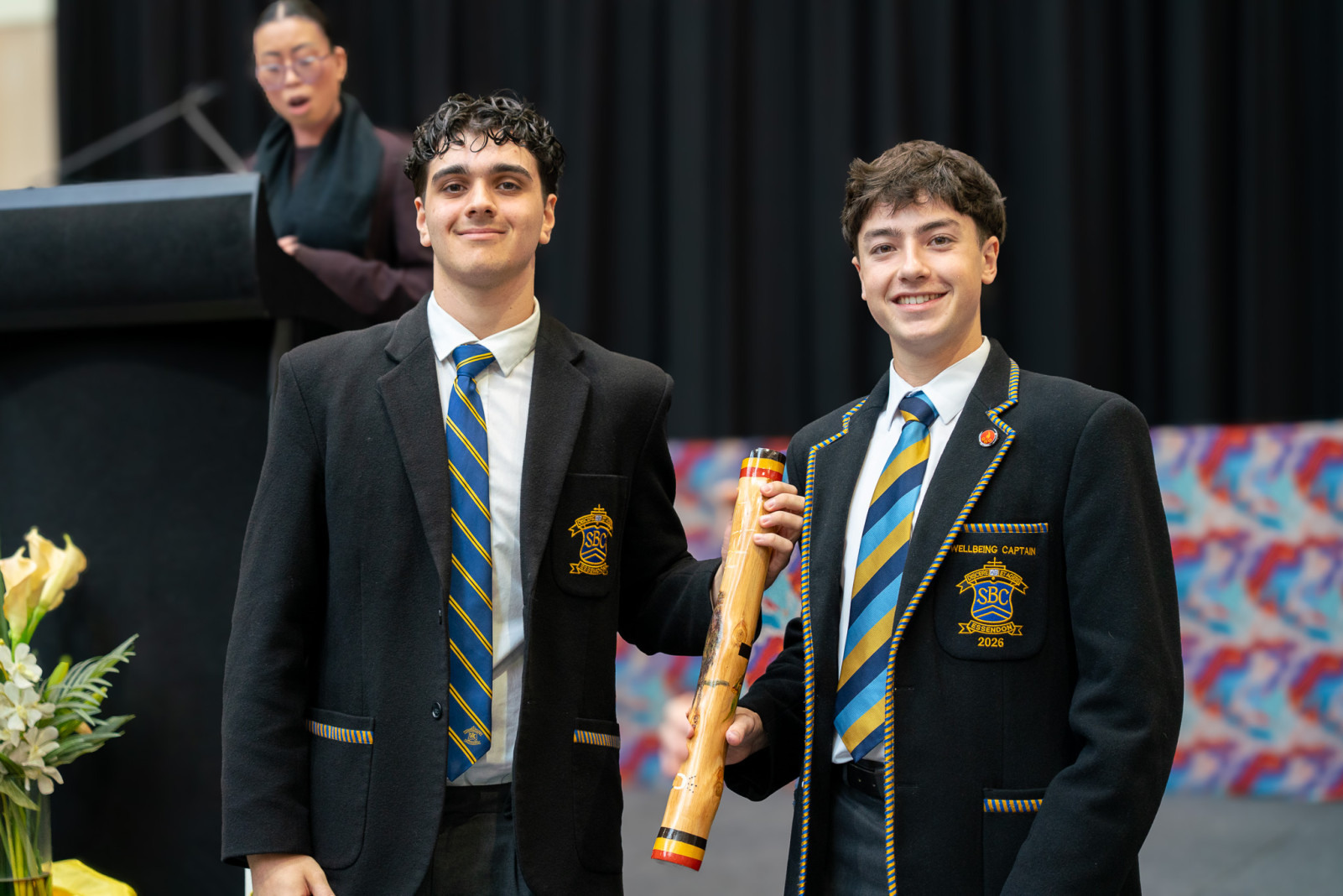
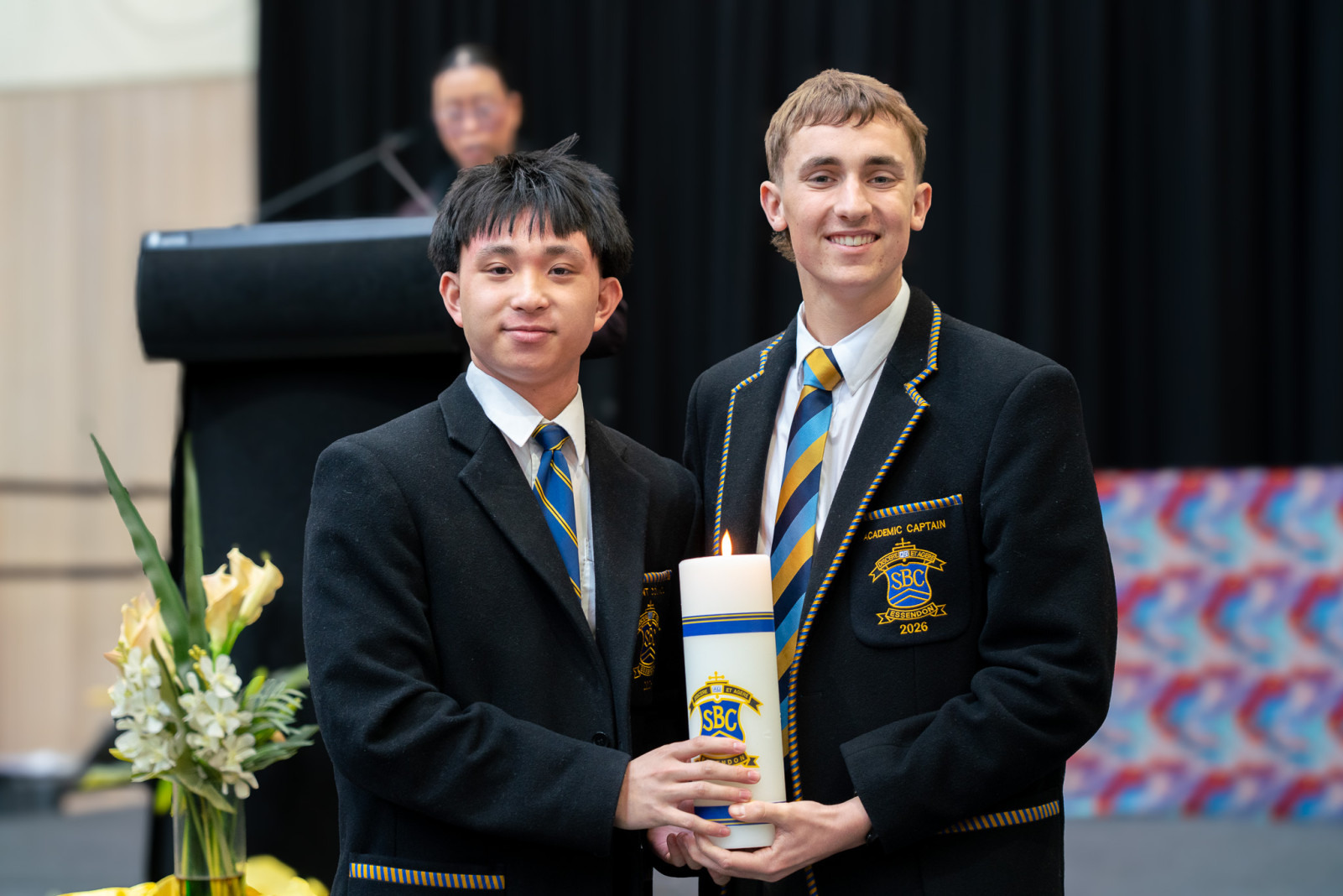
St Bernard's College ended Term 3 with the 2027 Student leaders Investiture Assembly, our traditional ceremony recognising the wonderful work of our 2026 student council and marking a new beginning for our 2027 leadership group.
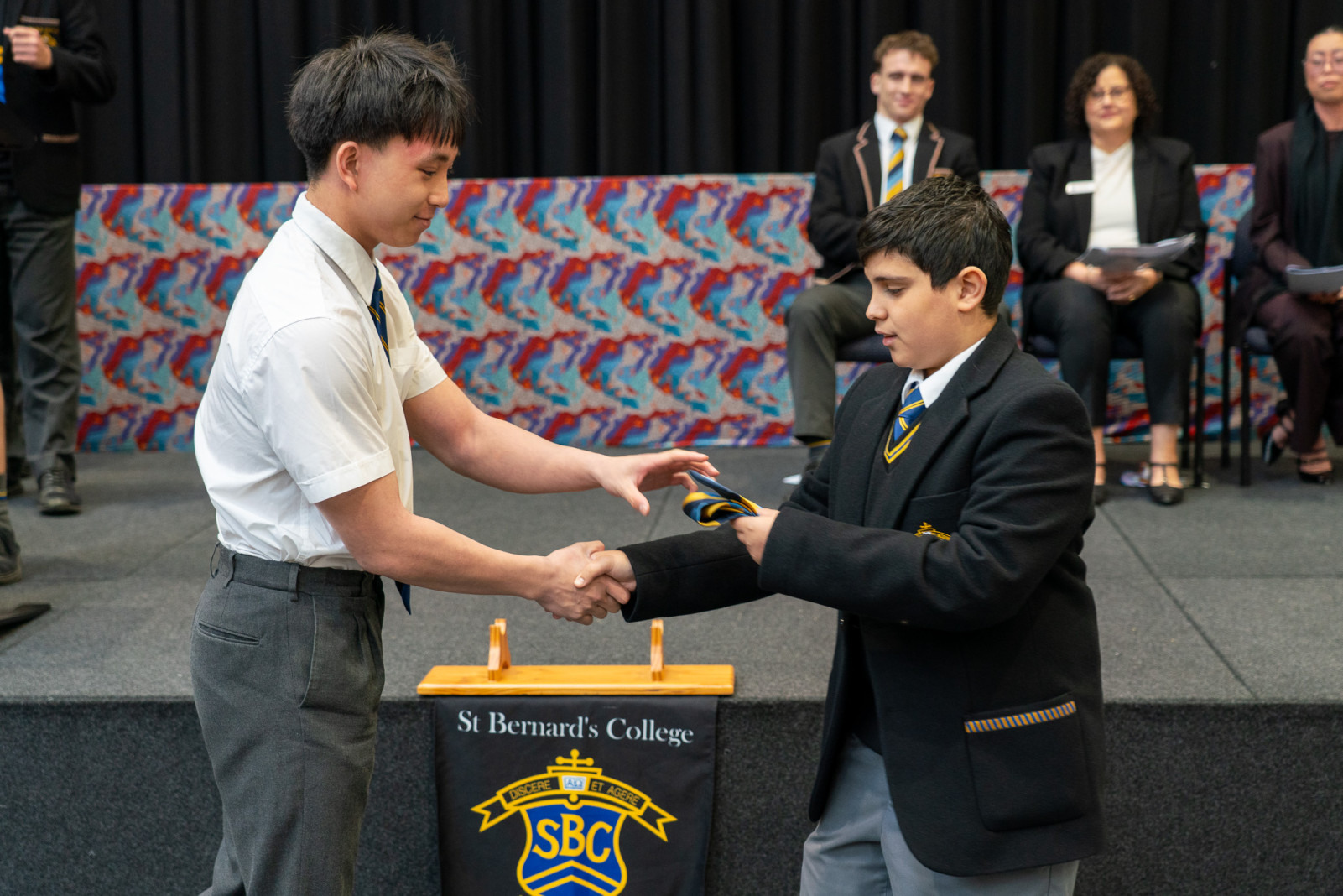
The event commenced with the House Tie Ceremony, a symbolic gesture that holds great importance in our school community. Year 11 representatives from each House received the commemorative tie from a Year 7 student of the same House. Signifying the passing of leadership from one year level to the next, this ritual brings year levels together, reminding our incoming Year 12's of where they began and showing our Year 7's what they can aspire to.
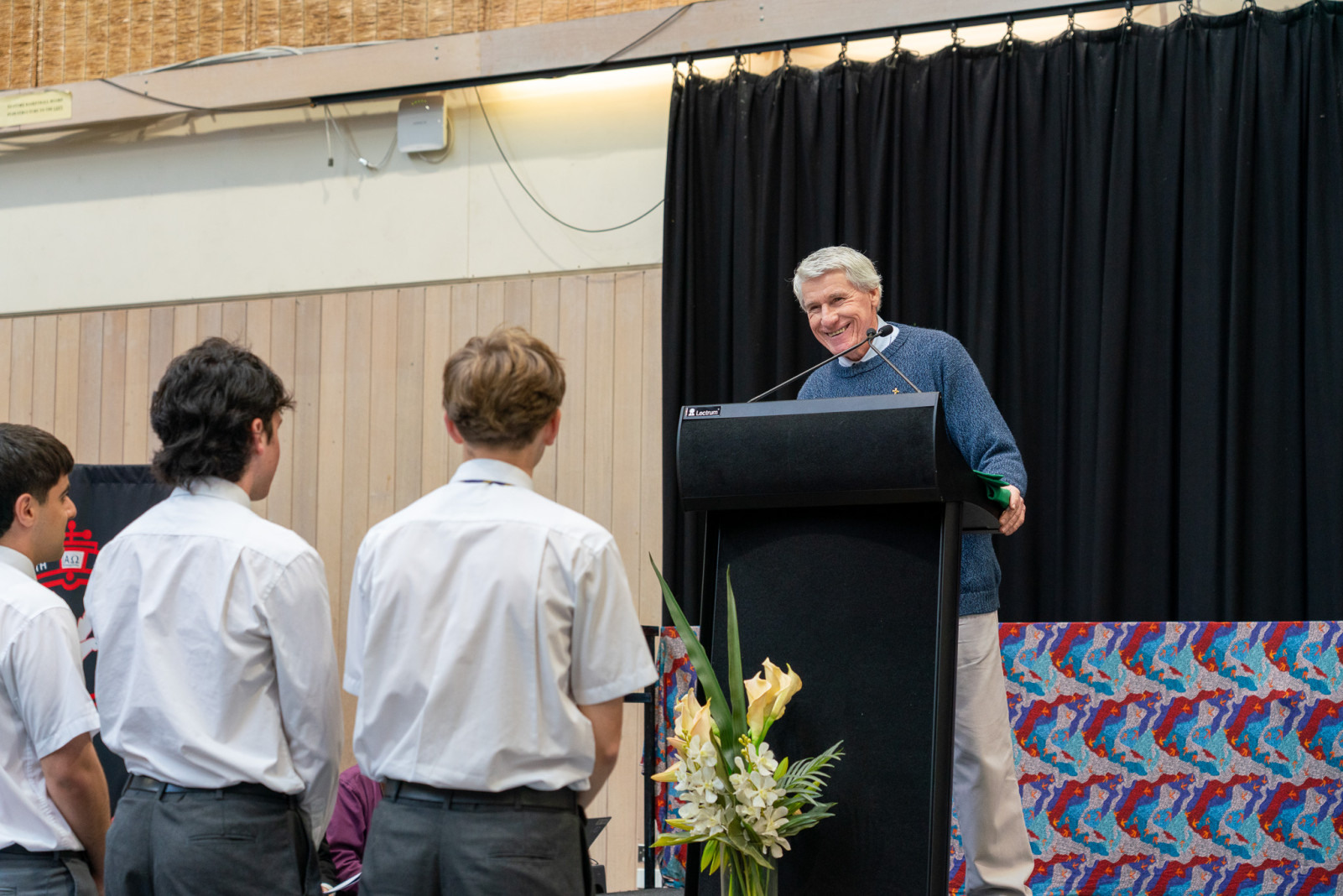
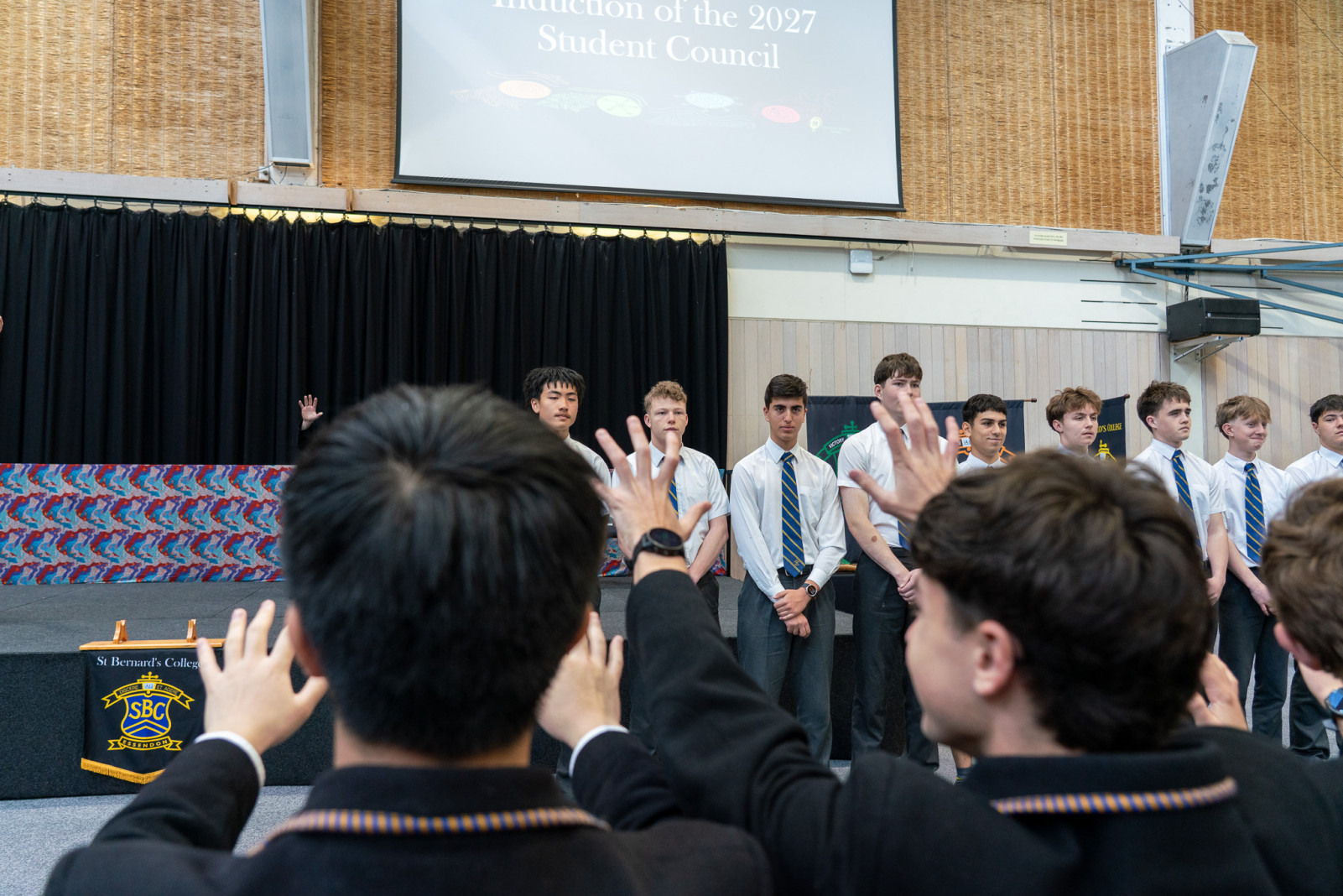
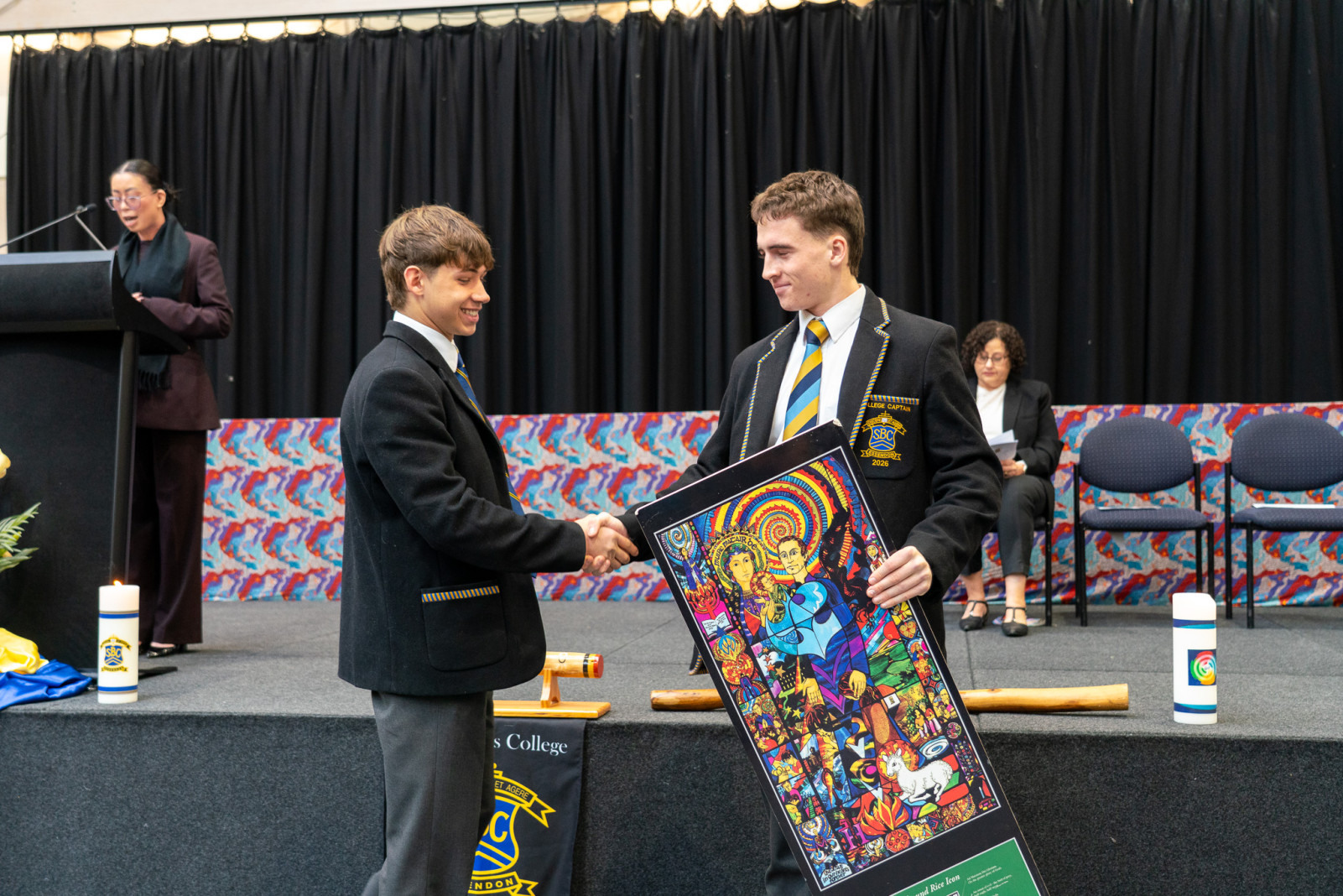
Following this, the induction of the 2027 Year 11 and Year 12 Student Council took place, where family members presented each student with their newly embroidered blazer—always a special moment for our students and their loved ones. Our 2026 Portfolio Captains inducted their incoming 2027 counterparts by passing over the symbolic items of leadership. Deputy Principal Therese Wilson gave warm words of encouragement to all our student leaders, and Fr Bernie Lane enlisted the help of the audience to bless these students and prepare them for the journey ahead.
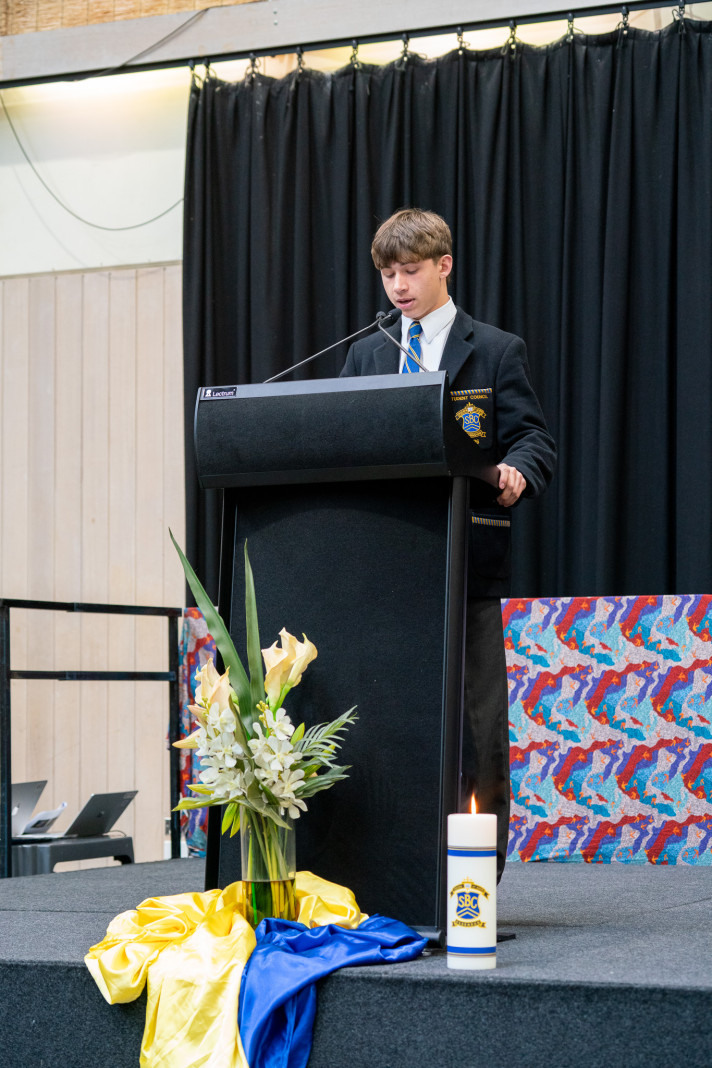
Closing the ceremonies was our 2027 College Captain, Hayden, who showed why his peers endorsed him for the role as he delivered an inspiring speech setting the tone for the next school year.
Thank you to all the staff and students who worked hard to continue this fantastic tradition, and congratulations to our 2027 Student Council. The job has only just begun, but we are with you all the way!
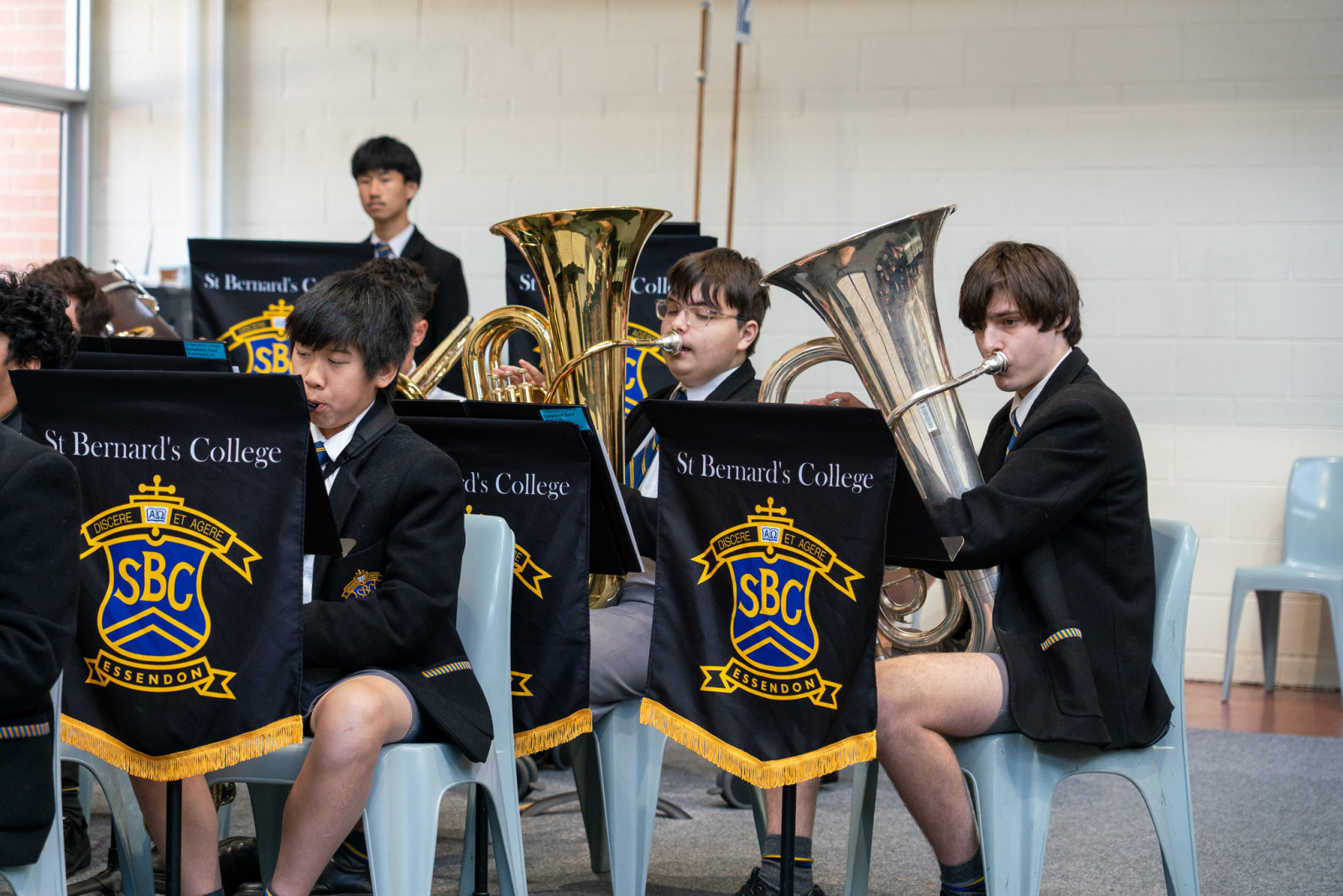

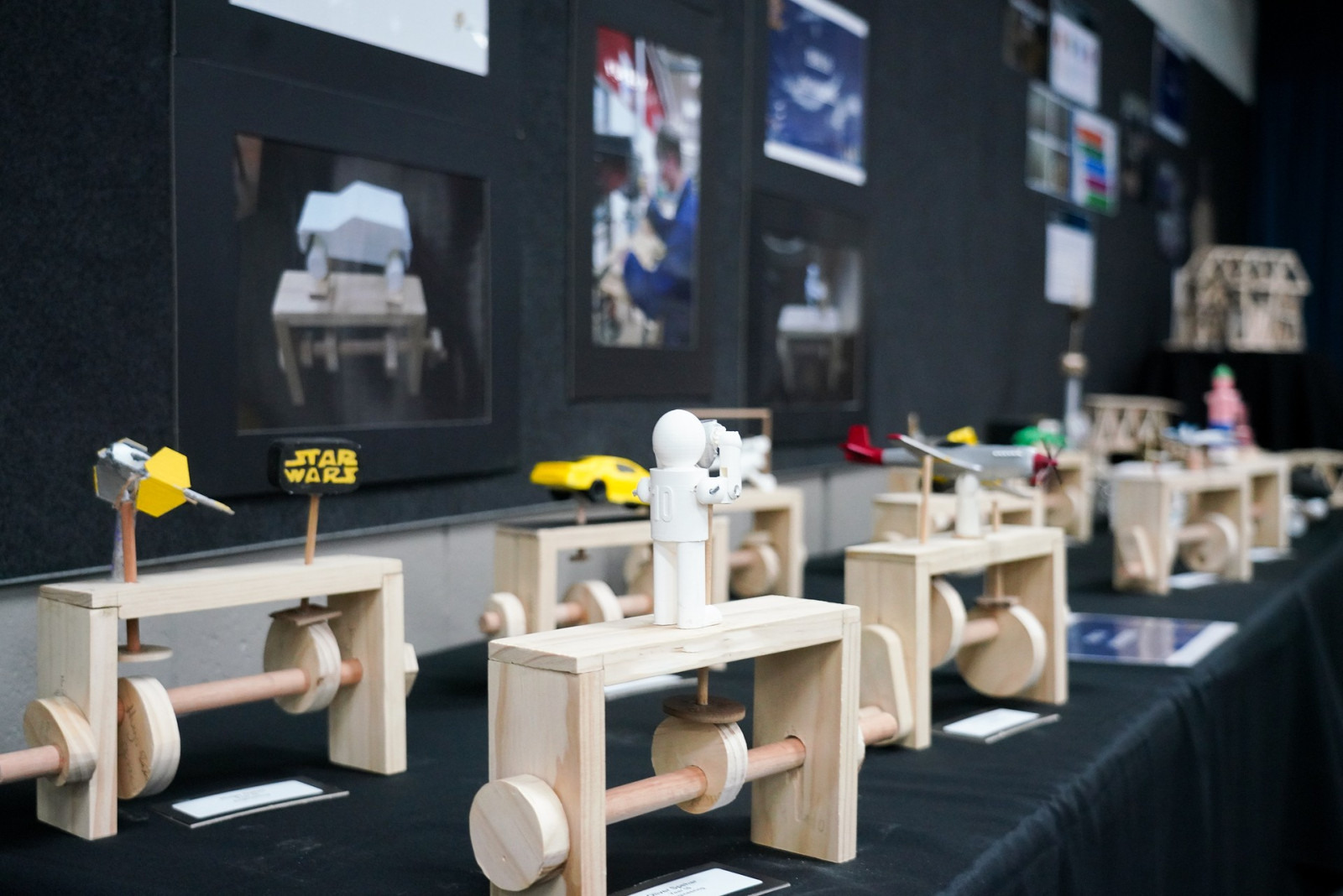
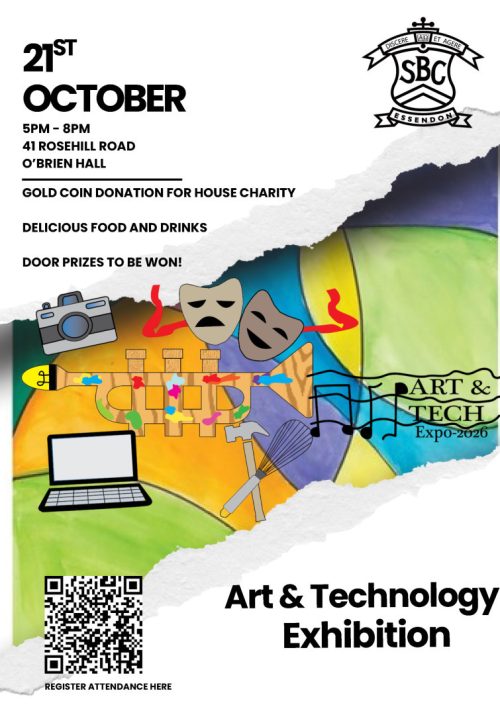
Join us in the O’Brien Centre in Term 4 for a vibrant evening celebrating our Art & Technology students!
Explore stunning student artwork and folios from Years 7–12, enjoy finger food & drinks, experience live performances from Music, Drama and Media and discover creative projects in Food Studies, Product Design & Technology, Digital Technologies and Engineering.
Guests will also have a chance to explore the brand-new Quays facilities, including the piazza and study hall.
📅 Wednesday, 21 October 2026
⏰ 5:00pm - 8:00pm
📍 O’Brien Hall
🎟️ Free event! Register here - https://www.trybooking.com/DPXWZ
We can’t wait to see you there!

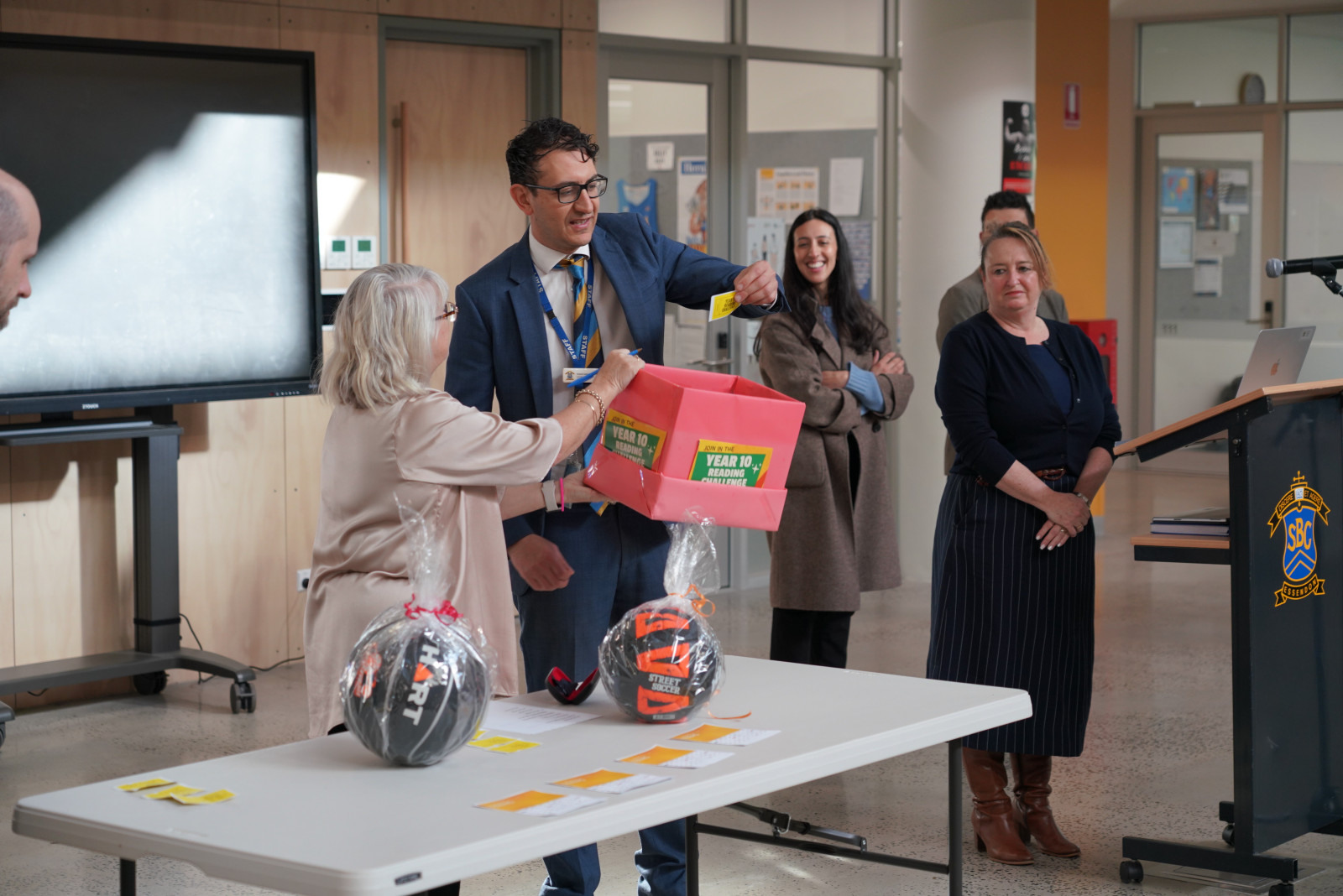
Students at St Bernard’s have been inundated with various book and literature events recently. Various reading contests were running, the Year 7-8 students participated in the Book Bingo Reading Challenge and our Year 10 cohort participated in the Golden Ticket Reading Challenge.
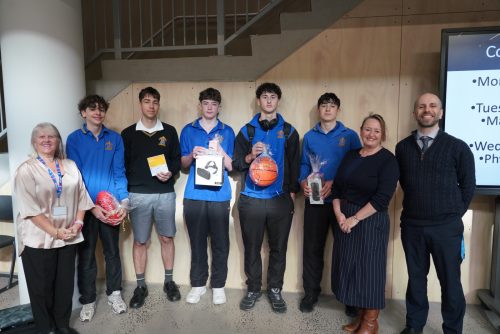
The Year 10 Reading Challenge was drawn during year level assembly this week. Some very happy winners walked away with a VR headset, boombox speaker, sport equipment and vouchers. Thanks to all our Year 10's who participated and read something new!
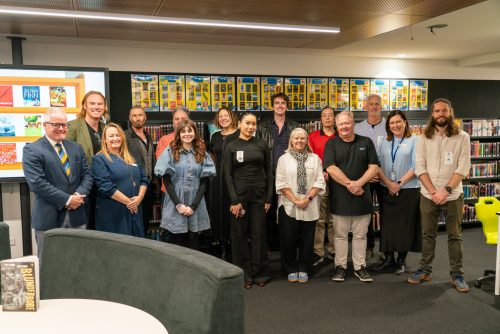
The Year 8 Literature Festival saw St Bernards English and Library Teams collaborate to host keynote author Mark Smith, as well as a variety of authors, illustrators, a slam poet and comedians. The Year 8 students were fantastic in the way they participated in each session, and the presenters were very impressed with our students' level of engagement. Well done Year 8!
The SBC Short Story Competition was launched at the Year 8 Literature Festival. If your son is creative and enjoys writing, he should consider entering. In 1000 words or less students can submit their story to the Library Homepage by Friday 13th November. Contact Ms Jacqui Gale if you have any questions.
The theme: “You never know what’s around the corner…”.

A big shout out to the Library and English teams for the commitment and enthusiasm to keep our students engaged. It is a real passion of ours to support the students in their reading efforts and build a reading culture at St Bernard’s College.
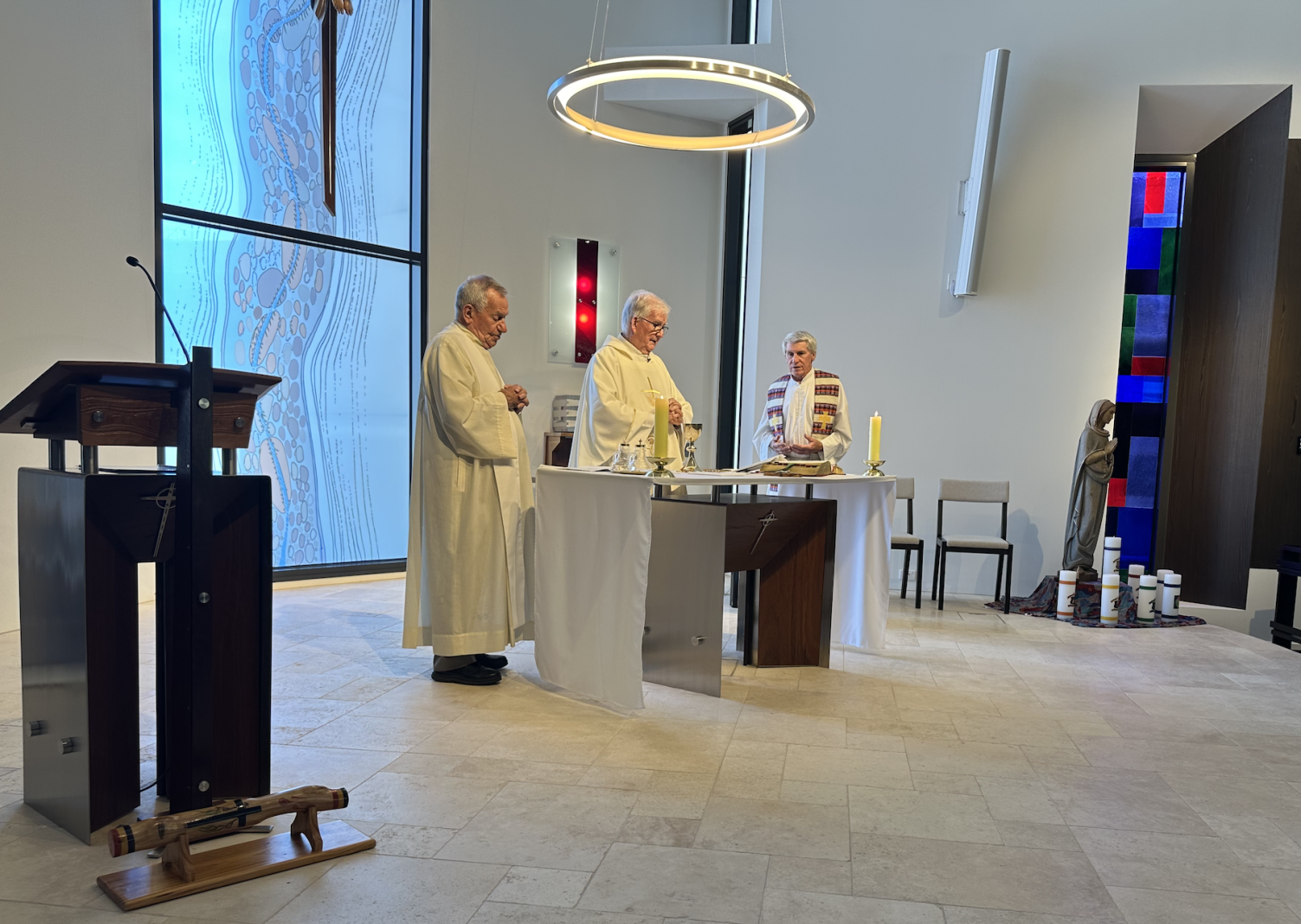
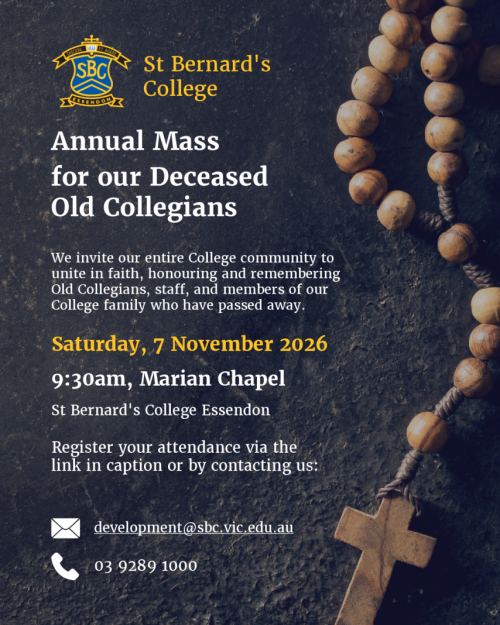
Join us as we honour and remember members of our College family who have passed away. A time to reflect, unite in faith, and celebrate enduring connections.
📅 Saturday, 7 November 2026
🕤 9:30 AM – 12:00 PM
📍 Marian Chapel, St Bernard’s College
☕ Light refreshments to follow
🔗 RSVP: https://www.trybooking.com/DQNMT
Introducing CDFpay for simple, convenient online ordering
St Bernard’s College will be using CDFpay for online canteen ordering, walk-up canteen purchases, events, and fundraising at our school from the commencement of Term 4 (Monday, 5 October 2026). Use of credit cards is still an option.
How to register for a CDFpay account
After you have registered and entered your child’s details, you can:
Add your child’s student card number to enable over-the-counter purchases.
Top up your parent wallet (optional, you can also pay per order) and set daily spend limits for your child. (To avoid card surcharges, top up $50 or more using a debit card or bank transfer any value.)
Order and pay in seconds!
Have questions? Visit the CDFpay powered by Flexischools Help & Support page for detailed FAQs or chat to the Flexischools Digital Assistant. If you cannot find what you are looking for, please complete the online Contact Form and Flexischools will get back to you directly.
You may also visit the Canteen page on mySBC for additional information and to contact our IT team.
St John Bosco's Church is 60!
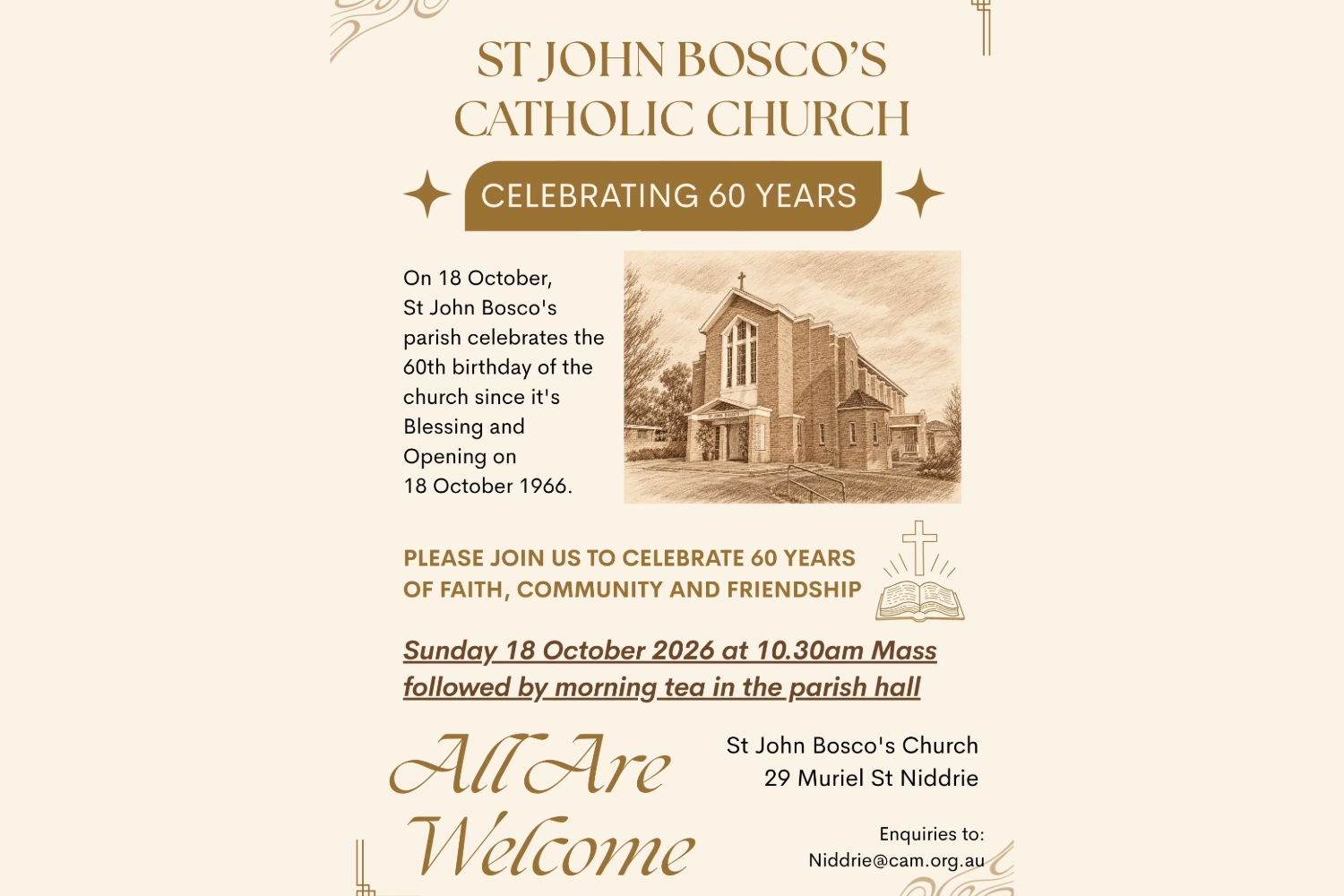
On October 18, our friends at St John Bosco's Parish will celebrate the 60th birthday of the church since its Blessing and opening on 18 October 1966. Mass will be celebrated at 10.30am on Sunday October 18, 2026, followed by a morning tea in the parish hall. All are welcome to come and help the parish celebrate.
St John Bosco's Church, 29 Muriel St Niddrie.
Enquiries to: Niddrie@cam.org.au
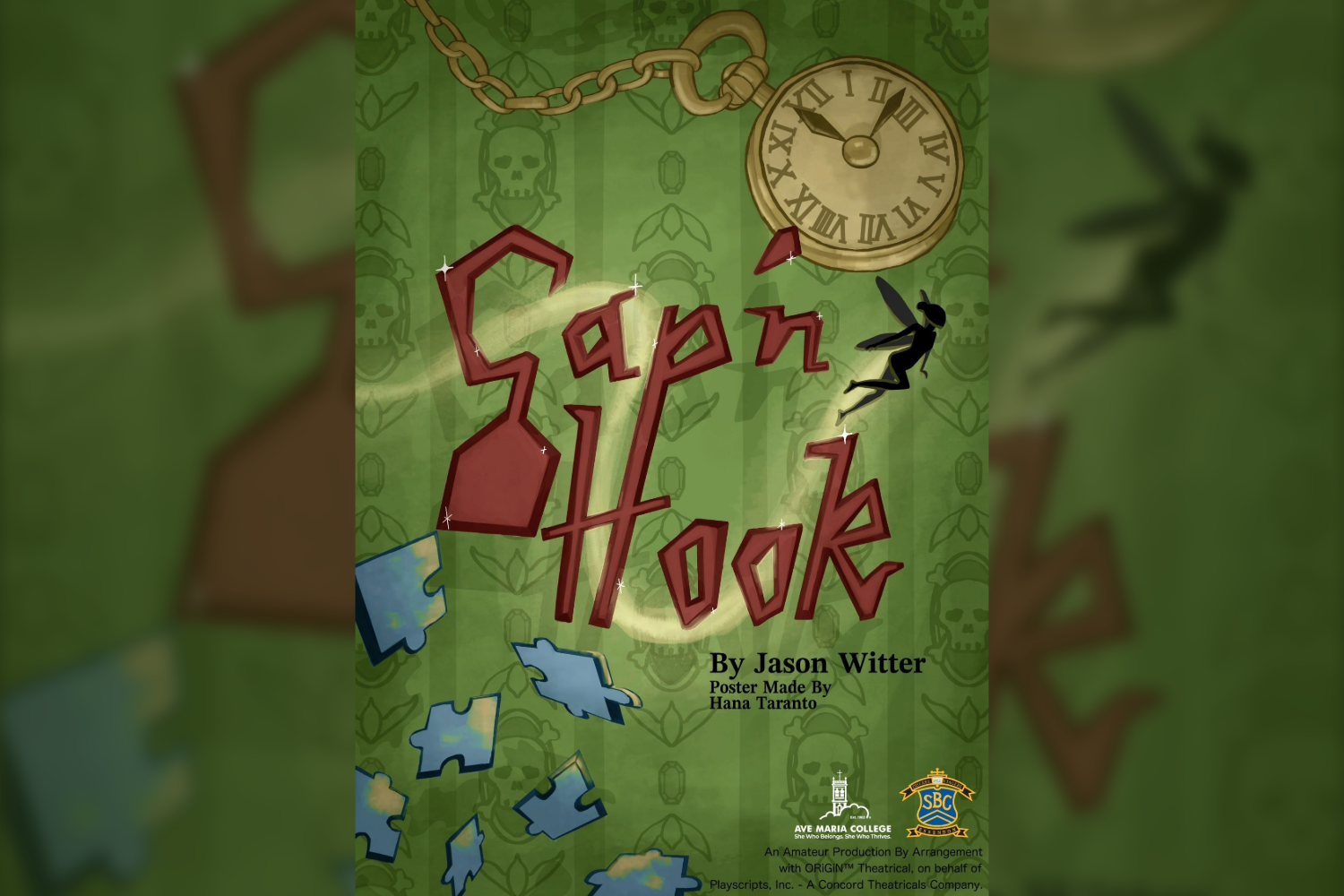
St Bernard’s College and Ave Maria College are proud to present our 2026 Year 9 Play, ‘Cap’n Hook', written by Jason Witter.
Everyone's favorite pirate villain, Captain Hook, is now a resident at The Jolly Roger Pirate Retirement Home, where he and his pals Blackbeard, Smee, Anne Bonny, and Captain Blood spend their days reminiscing about high times on the high seas. Through a series of flashbacks played out on stage, Hook tells the hilarious and touching story of his trials and tribulations with his arch nemesis, Peter Pan—showing us Neverland from the pirates' point of view.
With performances taking place at our Resurrection House campus on Thursday, 12 November, and Friday, 13 November, be sure to save the dates to see our talented Year 9 students shine!
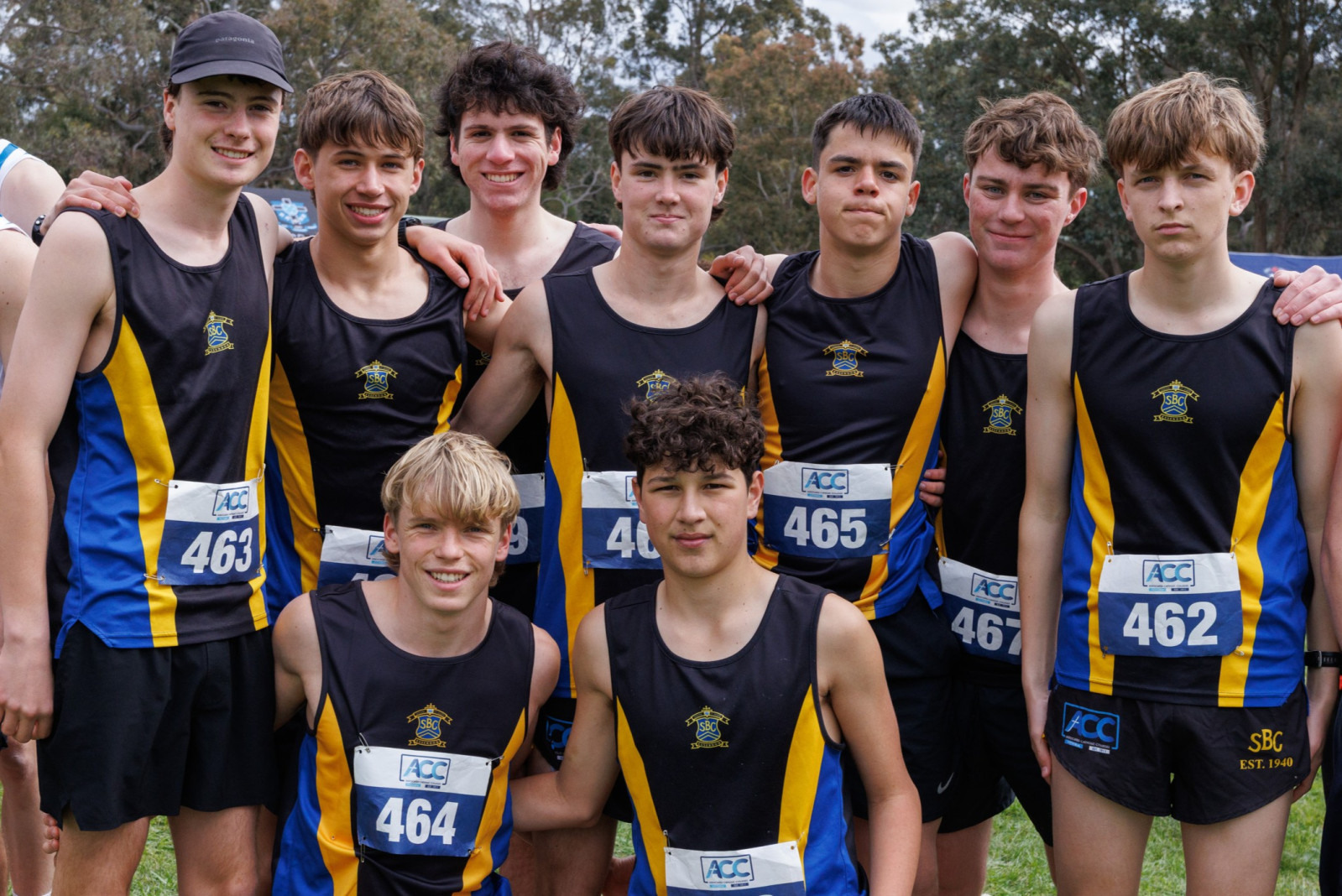
St Bernard’s students have enjoyed an outstanding run of sporting success in recent weeks, with remarkable achievements across football, athletics, cross country and basketball.
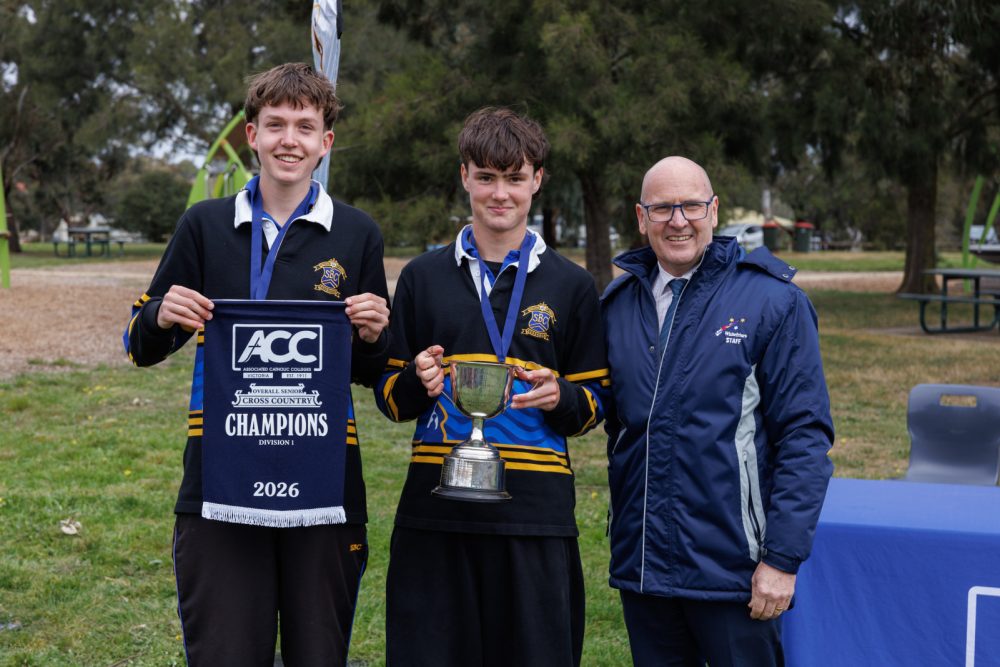
Our ACC Cross Country team delivered an outstanding performance at the 2026 ACC Championships. St Bernard’s became Senior Section Champions and claimed the Brother Joseph Bouchard Perpetual Cup, finished third overall in the Division 1 Phil Hackett Cup, and celebrated team championships in the Under 17 and Senior divisions. The Under 15 team also secured third place.
Congratulations to Hamish and Patrick who were awarded Senior Champion and Under 17 Champion respectively, and in a striking display of depth, four St Bernard’s runners finished inside the top five in the Under 17 event.
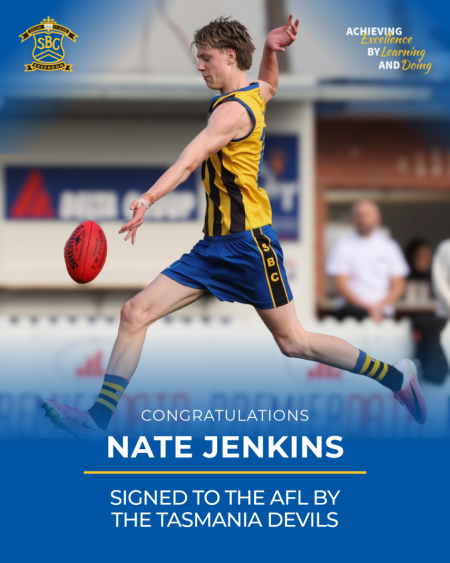
Year 11 student Nate Jenkins has officially joined the AFL’s newest club, the Tasmania Devils, as part of its inaugural group of signings. The achievement caps an exceptional year in which Nate kicked five goals in St Bernard’s ACC Premiership victory and six in the Herald Sun Shield triumph. Nate is set to take the field for the Devils when the club enters the AFL competition in 2028.
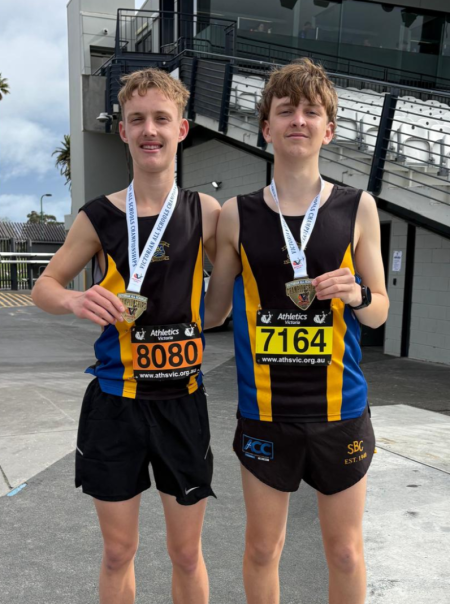
Tate and Jude each claimed gold at the Victorian State All Schools Track and Field Championships in the 2000m steeplechase. Tate won the Under-16 event in an impressive 6:23.45, while Jude secured the Under-18 title in 6:29.51—an outstanding reward for their efforts on the track this year.
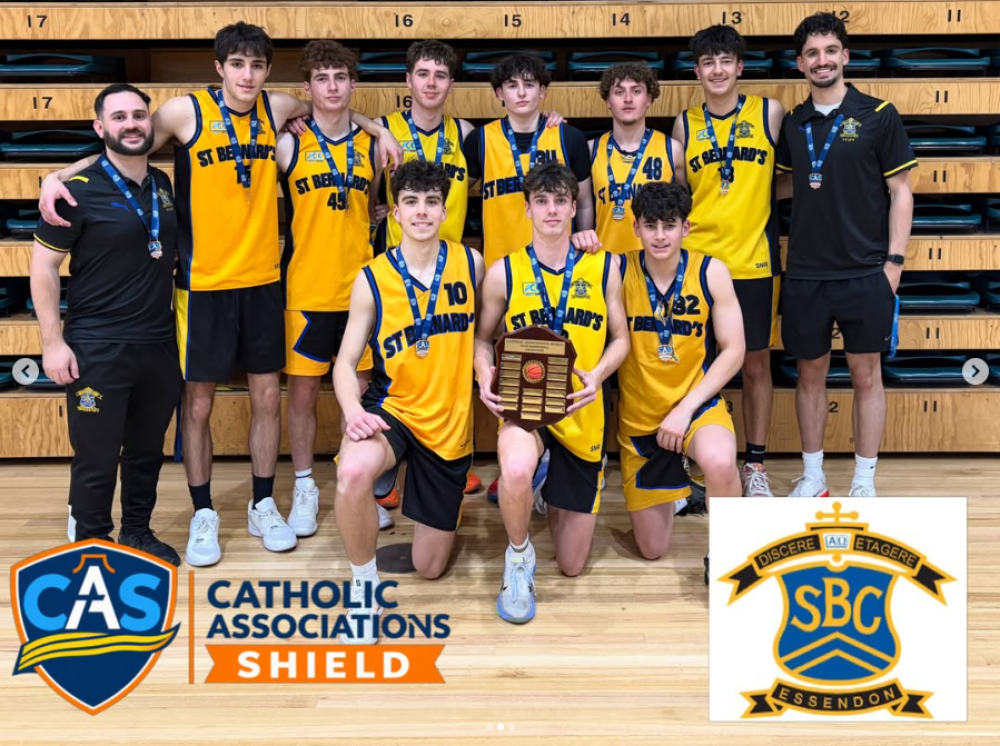
St Bernard’s also celebrated winning the 2026 annual Catholic Association Shield Basketball match, defeating Caroline Chisholm 76–71. The closely fought victory added another title to a memorable period for College sport.
Congratulations to every student, staff member and supporter who contributed to these achievements. Across every arena, the commitment, teamwork and sporting spirit of St Bernard’s students continue to make our community proud.


